How to move your Nara Baby history to Ours
It takes about two minutes. Nothing is saved until you've seen the preview, and nothing in Nara is changed or deleted.

Step by step
Save your history with the photo helper
Open the photo helper, sign in to your Nara account, and save one file with your whole history and its photos.
Open it in Ours
When your phone asks where to send the file, choose Ours. Or save it, then in Ours go to Account, Bring your Nara history, and open the file.
Check, then bring it in
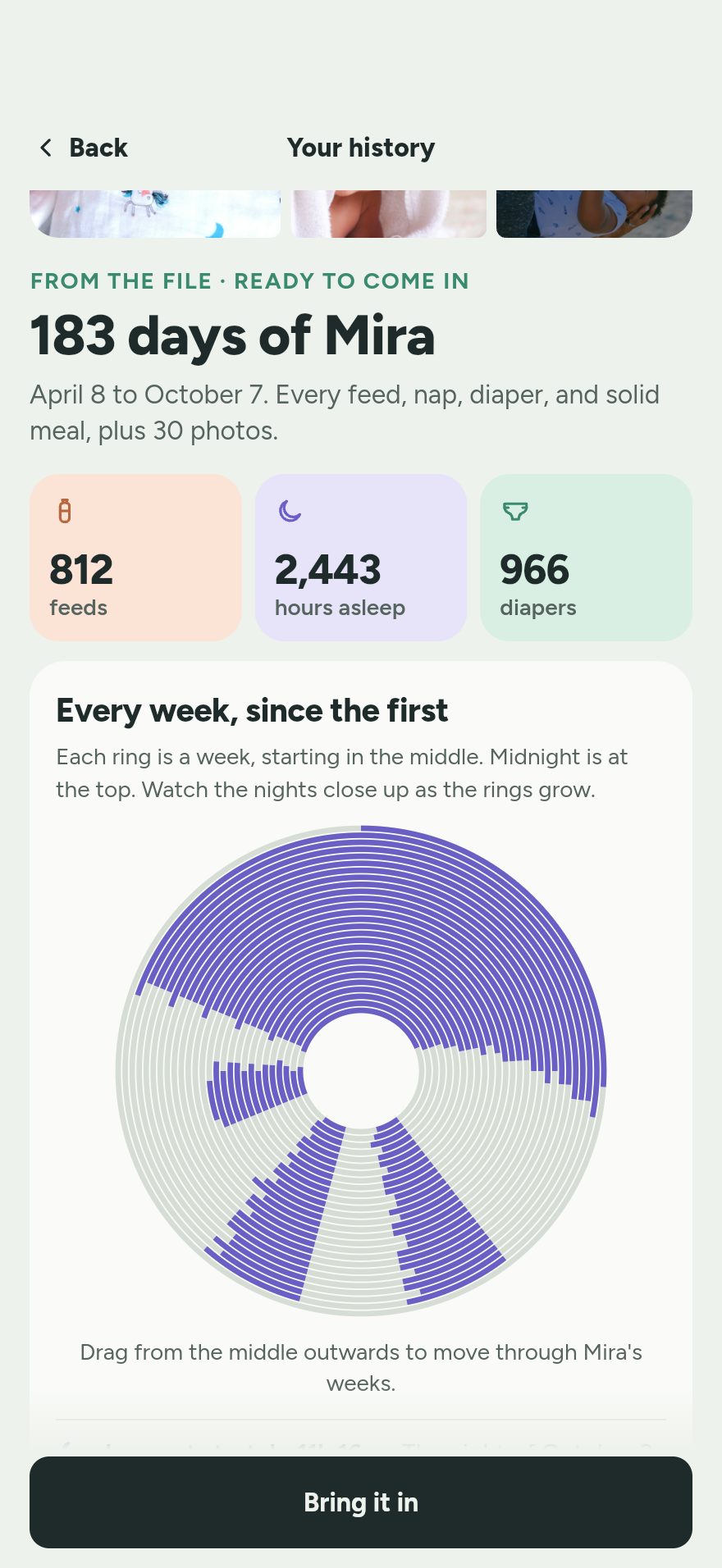
Ours shows a preview: how many feeds, sleeps, diapers and pumps, and the months they cover. Say who's who, then tap Bring it all in.
Can't use the photo helper?
Nara's own export works too. In Nara, tap your baby's picture at the top left of the home screen, then tap Export Data near the bottom of the page that opens, and send that file to Ours. It is a spreadsheet, so photos stay in Nara. About the photo helper ›
What comes over
- Feeds: breast with each side's time, bottles with amounts, solids
- Pumping, with amounts
- Sleep and naps
- Diapers
- Growth measurements
- Notes, and who logged each entry
The last screen counts exactly what was written. If anything was skipped, it's listed on its own line, with the reason.
Questions parents ask
Which file do I need?
The file the photo helper saves. If you can't use the helper, the CSV Nara makes when you tap Export Data works too. You don't need to open or change either one; just send it to Ours.
Ours says the file isn't from Nara.
Make sure it's the file from the photo helper or from Export Data, not a screenshot or a PDF. If your phone renamed it, that's fine; Ours reads what's inside.
Ours asked about my baby's birthday.
If most of your history is from before the birthday you entered, Ours asks before skipping anything. Fix the birthday, or skip those entries. Nothing is saved until you choose.
Can I import again later?
Yes. If you kept using Nara for a while, save a new file with the photo helper (or export again) and open it. Ours brings over only what's new and updates anything that changed, without doubling.
Who's who: why is Ours asking about names?
Nara records who logged each entry. Ours asks which of those people are in your family now, so each entry keeps the right name. A photo-helper file has numbers where Nara's spreadsheet has names, so Ours shows Person 1, Person 2 and so on, and you say who each one is. You only answer once.
What doesn't come over?
With the photo helper, photos come over too. With Nara's own spreadsheet export they stay in Nara: save any you want to keep to your phone first. Anything in the file that can't be read is listed separately on the last screen, never silently dropped.
Keep logging tonight.
Free to download, free to keep logging, for everyone who helps.